Epic Reading App Review: When Screen Time Becomes Story Time
 By Gabi Thompson
 Books
Getting a child to read more sounds simple. Put a good book in front of them, right? The story still needs to suit the child’s age, reading level, and current obsession. Dinosaurs may work today. Space or graphic novels could win tomorrow.
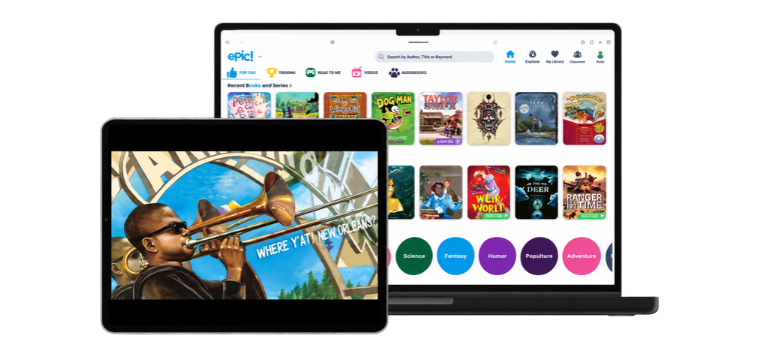
Epic puts thousands of children’s titles in one digital library. This kids reading app includes regular eBooks, Read-To-Me stories, audiobooks and learning videos for phones, tablets and computers. Parents also receive tools for checking activity and sharing book suggestions.
This Epic reading app review looks at the features, cost, family controls, and school options, along with the details parents should consider before subscribing.
What Is the Epic Reading App?
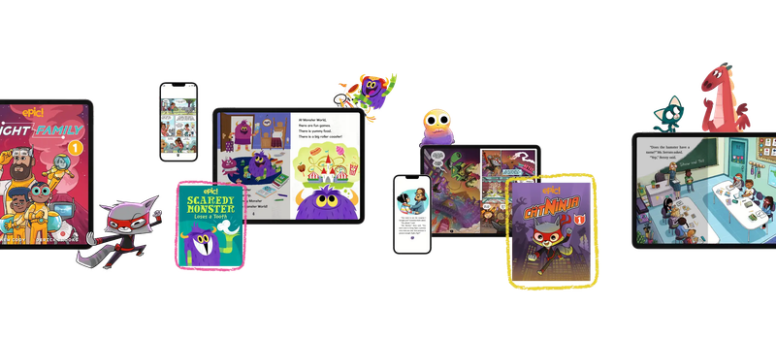
Epic is a digital reading platform created for children ages 12 and under. Its library contains more than 40,000 books, audiobooks, Read-To-Me titles and educational videos from over 250 publishers. Parents can search by age, subject, reading level and format instead of scrolling through one enormous, unruly shelf.
The collection covers picture books, decodables, chapter books, nonfiction, graphic novels and Epic Originals. Individual titles may change because digital catalogs depend on licensing.
Epic works best as a digital library rather than a step-by-step reading curriculum. It gives children several ways to read and listen, but it does not replace direct phonics teaching, classroom instruction or help from a reading specialist when a child needs targeted support.
Curious about what is on the digital shelf? Explore the books and reading formats available on Epic.
A Huge Library, but Will Your Child Find Something to Read?
A big catalog sounds impressive. Still, quantity only matters if children find titles that match their interests and ability.
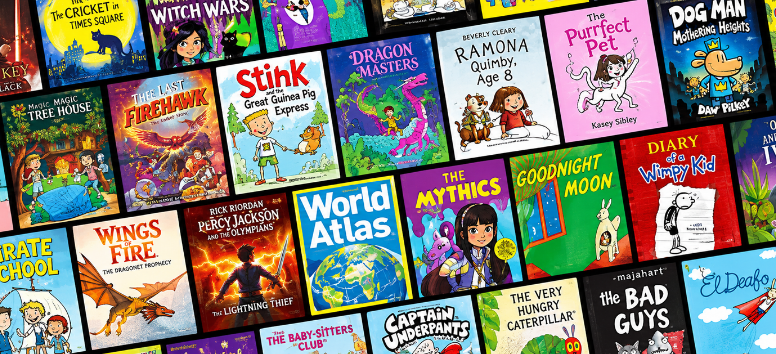
Epic organizes content by age, topic, format and reading level. Younger children get picture books and narrated stories. Developing readers can find decodables and leveled books. Older elementary readers get chapter books, graphic novels and nonfiction.
That range helps households with children at different stages. Epic Family supports up to four child profiles, so each reader keeps separate activity and recommendations.
Children also get room to choose. A child who resists an assigned story may happily read about sharks, soccer or a favorite comic character. Choice does not solve every reading struggle, but it offers parents a practical starting point.
More Than eBooks: Epic’s Main Reading Formats
Epic’s catalog includes several content formats. Each one supports a different type of reader or moment in the day.
Standard eBooks
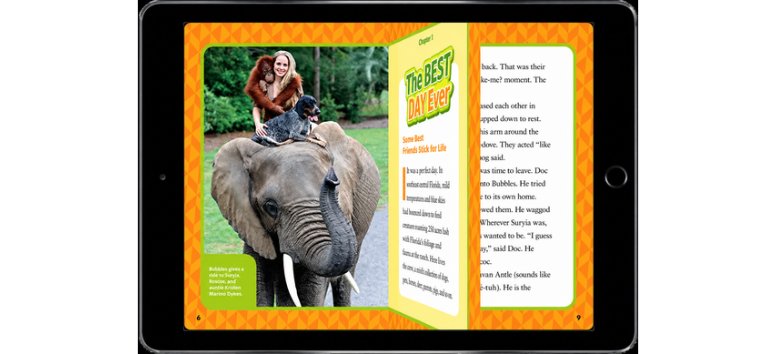
Children read these titles on screen at their own pace. The format suits independent reading or shared story time with a parent.
Parents can pause to discuss an illustration, explain an unfamiliar word or ask what the child thinks will happen next. That small exchange turns reading into a conversation, not another task to finish.
Read-To-Me Books
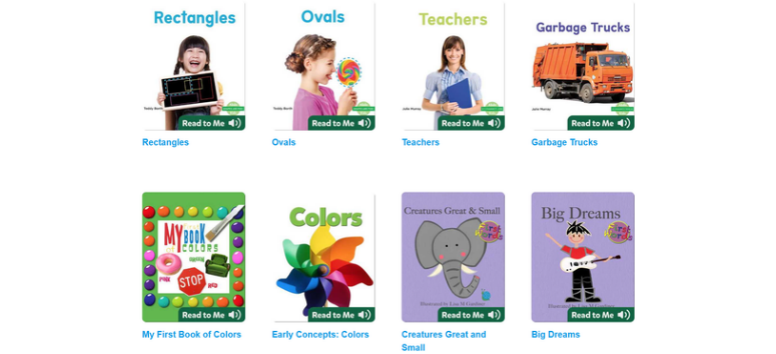
Read-To-Me titles pair narration with text. They suit younger children, emerging readers and kids who need help following a story.
Narration works best as another option, not a replacement for every read-aloud with an adult. A parent can return to the story later to discuss the characters, pictures or unfamiliar words.
Audiobooks

Audiobooks work during car rides, rest time or moments when a child wants a story without another visual activity. They also let children enjoy stories above their independent reading level.
Families working on decoding skills should keep print reading in the routine too. Listening and reading serve different purposes, and young readers still need practice connecting letters, sounds and words.
Educational Videos

Short educational videos add context to subjects such as science, nature and history. Epic remains a reading-focused platform, so check the video catalog if that format matters to your family.
The platform also includes motion comics and other visual formats. These choices could appeal to reluctant readers who feel intimidated by dense pages of text.
What Do Parents Control?
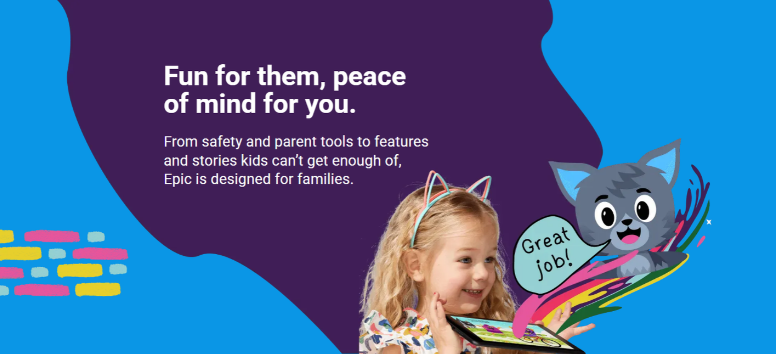
A children’s app needs more than colorful book covers. Parents also need to know what their child is opening and how the platform fits into family screen rules.
The Epic Parent Dashboard lets adults manage up to four child profiles. Parents can review reading activity, see time spent reading and receive weekly updates. They can also share books, send encouragement and connect school reading activity.
Epic says its library is curated by its team and that children see content selected for their age and reading level. Parents also have an option to filter specific content.
These tools add oversight, but families should still browse the app with younger users at first. No automated recommendation system understands a child as well as a parent or caregiver does.
Epic Family also supports offline downloads for travel or places with weak internet. Download availability may differ by device and title.
Want a closer look at the family tools? See how Epic works for parents and family accounts.
Does Epic Turn Screen Time Into Reading Time?
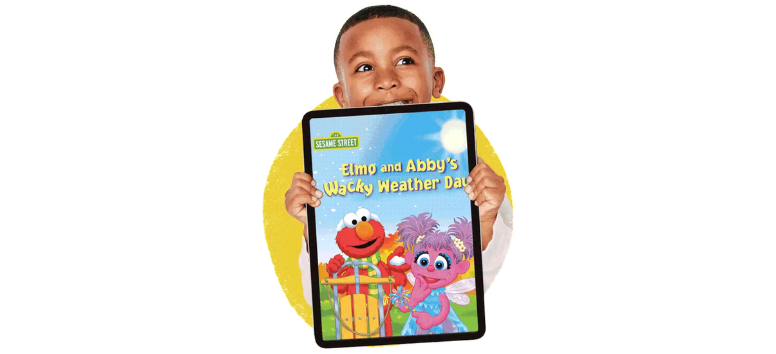
Calling all screen time “good” or “bad” misses the point. The activity and content matter.
Epic places books on devices children already know, which helps during waiting rooms, travel or the busy gap before dinner. A short reading session still counts, especially when it fits naturally into the day.
Parents can also read alongside a child. Take turns reading pages, pause before a big reveal or ask the child to choose a bedtime book. Digital access does not have to mean solitary screen time.
Still, the app should sit beside printed books, conversation, creative play, outdoor activities and device-free rest. Epic offers families another reading option, not a reason to retire the bookshelf.
How Much Does Epic Cost?

Epic Family offers monthly and annual subscription choices, along with a free trial for new eligible users.
At the time of this review, an official Epic Family offer page listed the annual option at $84.99 per year, shown as $7.25 per month. The month-to-month option was listed at $13.99 per month. Both options were displayed with a seven-day free trial.
Prices and trial terms may change or differ across app stores. Review the amount, billing cycle and renewal terms shown at checkout.
The annual plan costs less per month but requires upfront payment. The monthly plan costs more over a year but adds flexibility. Use the trial to check the catalog, test the controls and observe actual reading habits.
Deleting an app does not cancel every subscription. Complete the cancellation through the website or app store used for the purchase.
Before signing up, check the current Epic Family plans and free-trial terms.
Epic Family vs. Epic School: What Is the Difference?
This part causes understandable confusion because a child may already use Epic in class.
Epic Family
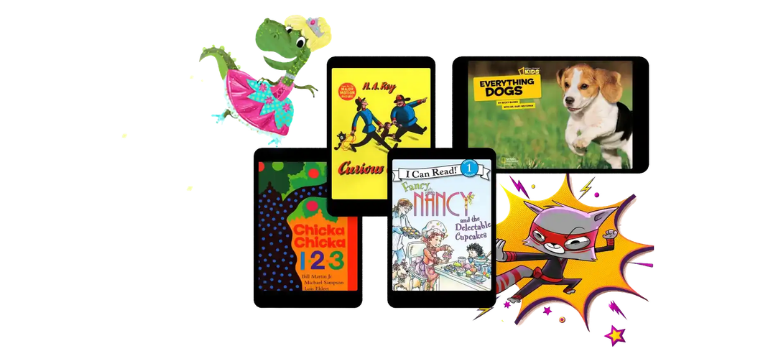
Epic Family is the household subscription. It provides access to the full family library outside school hours, supports offline reading and includes parent dashboard tools.
Families can use Epic on a computer, tablet or phone. Each child receives a separate profile, which keeps reading activity and suggestions organized.
Epic School

Epic School is designed for teachers and students. Epic currently states that its free school option gives users access to about 20,000 books and videos on weekdays from 7 a.m. to 4 p.m. local time.
Teachers receive tools for assigning books, creating collections and reviewing class reading reports. Other classroom features include quizzes, dictionary lookup and filters for grade level and common reading measures.
Epic School Plus
Epic School Plus is a paid school or district plan. It expands access to more than 40,000 books and videos, including use outside school hours and offline access.
Pricing is developed for each participating school or district. Schools need to request a quote from Epic.
Before starting a family subscription, ask your child’s teacher or school librarian which Epic plan the school uses. Free classroom access may cover school-day reading, while Epic Family provides broader home access.
Teachers and school leaders can compare Epic School and Epic School Plus before choosing classroom access.
Who Is Epic Best For?

Epic may fit families with children who explore many subjects or switch interests frequently. It also suits homes that want a large digital library without another crowded shelf.
The app is especially relevant for:
- Children ages 12 and under
- Families with up to four young readers
- Kids who enjoy graphic novels, nonfiction or narrated stories
- Emerging readers who use Read-To-Me titles alongside print practice
- Parents who want reading activity and progress information
- Families that read during travel or away from reliable internet
- Teachers looking for digital books and classroom tracking tools
Epic may be less suitable for teens, families seeking a complete phonics curriculum or children who focus better away from screens.
A child interested in only one particular series may also find a library subscription unnecessary. Check the current catalog before paying for long-term access. A large library has little value if it does not contain the stories your child wants to read.
Use Epic Without Making Reading Feel Like Homework
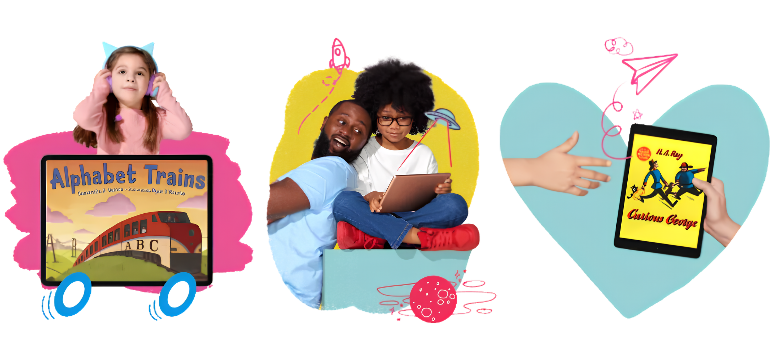
Turning every page into a test drains the joy from a story. Keep the routine light and leave room for curiosity.
Try these ideas:
- Let your child choose the first book, even if the choice surprises you.
- Set a ten- or fifteen-minute daily reading window.
- Use audiobooks during car rides and eBooks during quiet time.
- Ask one genuine question instead of giving a quiz.
- Create themed reading weeks around animals, space or mysteries.
- Use the dashboard to notice patterns, not to apply pressure.
- Pair a book with a related craft, experiment or outdoor activity.
Reading does not need to look the same every day. A child might read independently on Monday, listen to a story on Tuesday and share a silly picture book with a parent on Wednesday.
Regular contact with books matters more than a rigid routine.
Frequently Asked Questions About Epic
Is Epic free for families?
Epic Family is a paid subscription with a free trial for eligible new users. Epic School provides free weekday access during school hours through participating educators.
School access and home subscription access are not the same. Ask your child’s teacher which version the school uses.
What ages is Epic designed for?
Epic is designed for children ages 12 and under, from toddlers through older elementary readers. Parents can browse titles by specific ages and reading levels.
Does Epic work offline?
Epic Family includes offline reading through downloaded books. Epic School Plus also supports offline access. Offline downloads are listed for Epic School Plus, not the free Epic School option.
Can several children use one Epic Family account?
Parents can create up to four child profiles. Each profile keeps separate reading activity and personalized suggestions.
Does Epic teach children how to read?
Epic includes decodables, Read-To-Me titles, leveled books and dictionary tools. It is primarily a digital library, not a full reading curriculum or a substitute for direct instruction.
Can parents choose books for their children?
Yes. Parents can send book suggestions through the parent dashboard. Children can also explore titles based on their interests, age and reading level.
Is Epic only for independent reading?
No. Families can read eBooks together, use narrated Read-To-Me books or listen to audiobooks. The platform supports independent and shared reading.
Epic is best for families whose children read across several topics and formats. The large catalog, individual profiles, offline access and parent dashboard place thousands of titles within easy reach. For frequent readers, the subscription could cost less than buying new books throughout the year.
Value still depends on use. Browse the catalog, check your child’s school access and test the family tools during the trial. If your child returns to the app without constant reminders, that tells you more than any feature list.
Ready to see what your young reader discovers? Visit Epic and explore the family reading library.