Best AI Tool for Product Videos
 By Rubi Northon
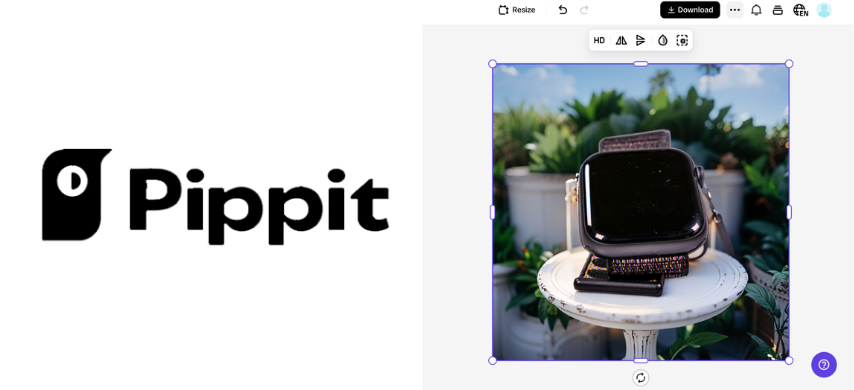 Software
Product videos come with a crowded checklist: scripts, footage, voiceovers, captions, editing, and several rounds of revisions. Pippit AI clears some of that clutter by turning product links, images, video clips, files, and written prompts into customizable marketing videos within an AI workspace powered by CapCut.
Its toolkit includes digital avatars, AI-generated scripts, voice options, translation, aspect-ratio controls, and publishing tools. This review takes a closer look at how Pippit AI works, what it can create, and why it stands out as a practical AI tool for product videos.
Meet Pippit AI: Product Content Without the Production Maze
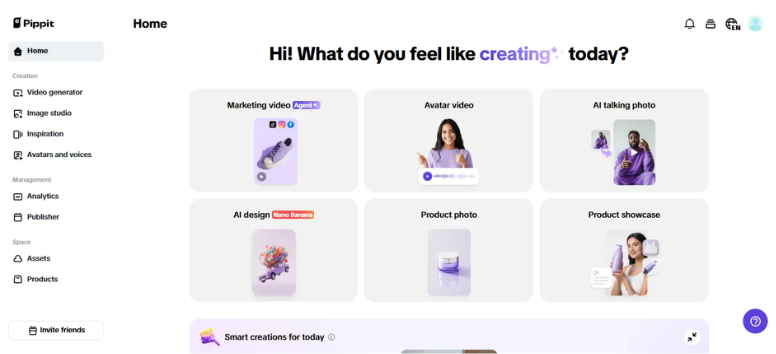
Pippit AI is an AI-powered creative content platform developed by the team behind CapCut. Designed for marketers, ecommerce sellers, and content creators, it includes tools for generating product videos, promotional images, social content, and digital advertising assets.
A product link, uploaded file, image, video clip, or text prompt can serve as the starting point. Pippit AI can generate marketing videos that may include scripts, captions, voiceovers, AI avatars, and other creative elements. Users can then customize aspects such as format, duration, language, and visual style before exporting their content.
Beyond video creation, Pippit AI also offers tools for generating product images, creating custom avatars, translating content, dubbing videos, scheduling posts, and monitoring content performance. Available features, usage limits, and credits may vary by subscription plan, so it's worth reviewing current plan details before launching a larger campaign.
Explore Pippit AI and turn your product assets into content ready for review, editing, and publishing.
Turn a Product Page Into a Video Campaign
Got a product page, a few photos, or some raw footage sitting in a folder? That’s enough to get started. Pippit AI can turn product links, images, video clips, files, and written prompts into an editable product video, so you don’t need to prepare every scene before opening the tool.
Your Product Content Goes First
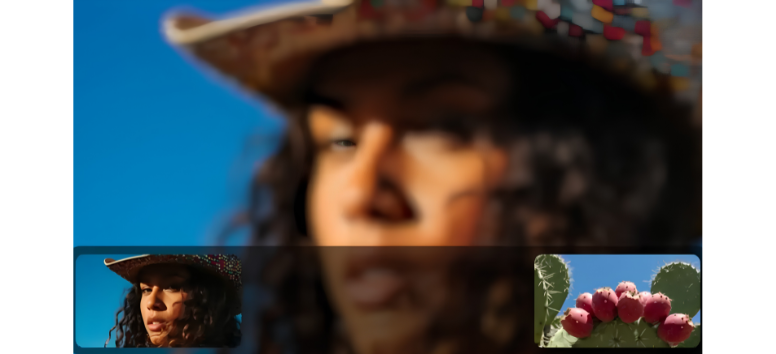
A product link or uploaded media gives Pippit AI the basic details it needs. You can then write a prompt that explains your campaign, audience, language, video length, aspect ratio, and visual direction. A specific prompt keeps the creative brief clear, especially when your product has several selling points to cover.
The First Draft Takes Shape
Pippit AI analyzes the product information and prepares an initial video. Depending on your prompt and selected settings, the draft may contain a script, captions, voiceover, music, product scenes, or a digital avatar.
Found a video with a structure that suits your campaign? Pippit AI’s Reference Video tool can use its script, narrative structure, and visuals as creative guidance while generating new content for your product.
Now It’s Your Turn to Fine-Tune It
The first result doesn’t have to be the final cut. Pippit AI’s Quick Edit and Edit More options let you revise the script, avatar, voiceover, music, animations, transitions, duration, and aspect ratio. Translation and dubbing tools are also available for creating versions in other languages.
Keep an eye on product names, prices, specifications, and claims during this stage. AI can speed up the draft, though every detail still deserves a human review before publication.
From Draft to Delivery
Once the video is ready, you can download it in a suitable format and resolution. Pippit AI also lists tools for scheduling posts, publishing content, organizing media, and reviewing performance data. Plan limits and supported publishing channels may vary, so check the current account details before planning a large campaign.
Paste in your product link, add your media, and let Pippit AI prepare the opening cut for your next campaign.
Pippit’s Video Agent: Your Content Command Center
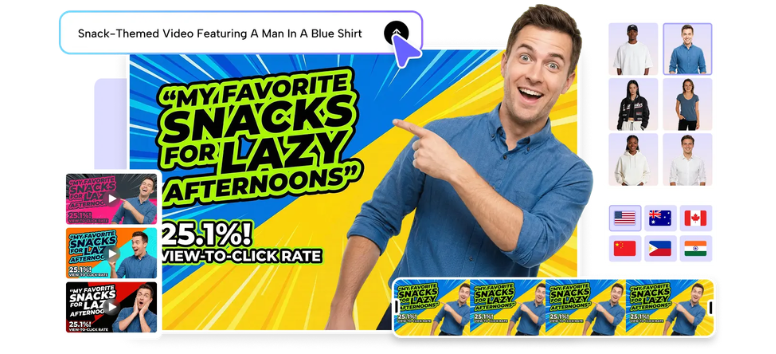
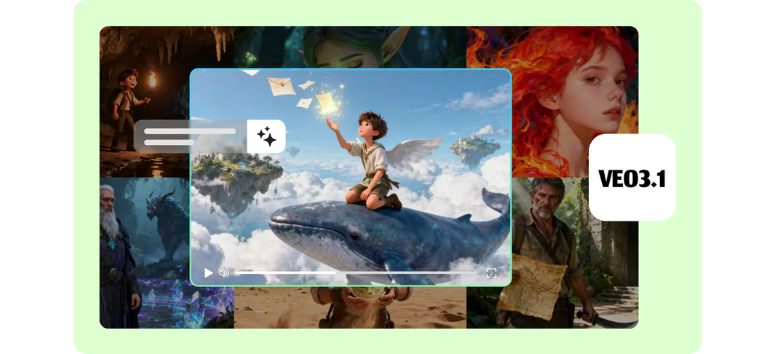
Got an idea, product link, image, clip, or document? Pippit’s Video Agent can use it as source material for a new marketing video. You can set the language, duration, and aspect ratio, then select Lite mode, Agent mode, Sora 2, or Veo 3.1, subject to account and regional availability. Agent mode also accepts a reference video to guide the script, narrative structure, and visual style.
Inside the same workspace, you can:
-
Add stock or custom avatars, scripts, and voices.
-
Pair a product image with a digital presenter for showcase or virtual try-on content.
-
Refine clips with templates, captions, effects, text, and platform-ready formats.
Pippit also supports scheduling and direct publishing to connected Facebook, Instagram, and TikTok accounts. Automated tools can speed up production, though product details, marketing claims, and posting times still need your review.
Start your campaign with Pippit’s Video Agent and move from raw input to publish-ready content.
Pippit AI Image Generator: From Prompt to Product Visual
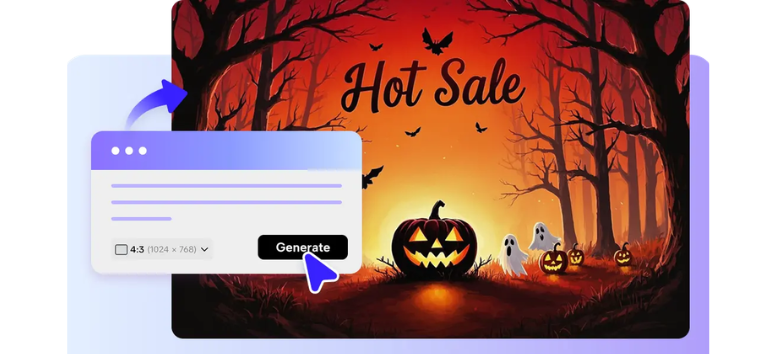
Need a product scene without arranging a full photo shoot? Pippit’s AI Image Generator creates four image options from a text prompt. You can upload a reference picture, choose an aspect ratio and style, then adjust the description to guide the result. It’s suited to ecommerce listings, ad concepts, social posts, and product mockups.
You can also:
-
Generate similar versions from a selected image without entering another prompt.
-
Add text, stickers, shapes, and effects inside the editor.
-
Remove backgrounds, upscale resolution, and resize the design for different platforms.
The process gives you several creative directions before you commit to one visual. AI-generated images can still misread packaging text, logos, colors, or product proportions, so inspect every detail before using the result in a live campaign. The number of available generations and export options may depend on your plan.
Put Pippit’s AI Image Generator to work on your next ecommerce visual or social campaign.
AI Design Generator: Turn One Prompt Into a Campaign Visual
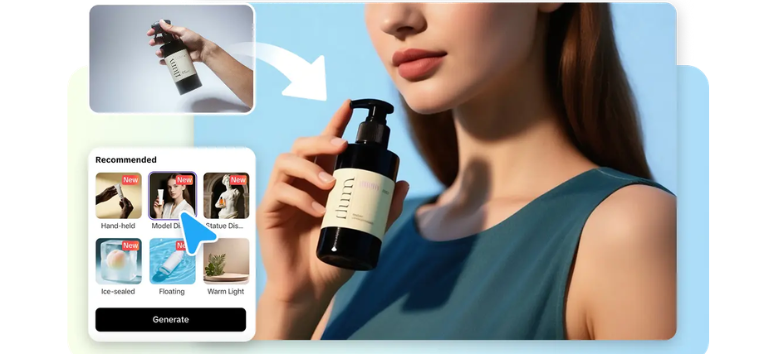
Staring at a blank canvas can stall a good campaign. Pippit’s AI design generator turns written ideas into posters, artwork, and product visuals, giving you a draft that you can shape around your message. According to Pippit, the tool uses the Seedream 3.0 image model to interpret prompts and creative intent.
-
Create visuals from text: Describe your subject, setting, mood, and purpose. Pippit generates four options based on your instructions.
-
Place products in new scenes: Remove an existing background and position the item in a custom setting, such as a lifestyle shot or promotional display.
-
Try a different visual direction: Explore styles such as pixel art, pop art, neon, claymation, comics, papercut, minimalist art, and gothic design.
AI-generated text and product details can still contain errors, so review each image before publishing it. Explore Pippit’s AI design generator and see how far one clear prompt can take your next campaign.
AI Avatar Generator: Put a Digital Presenter on Camera
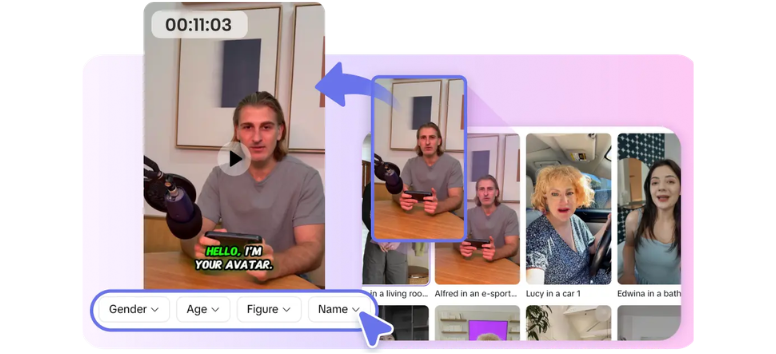
Need a presenter without arranging a full video shoot? Pippit’s AI avatar generator lets you choose a ready-made digital character or create one that better suits your brand. The avatars can deliver scripts for product demos, tutorials, customer support videos, and marketing content.
-
Choose a ready-made avatar: Browse characters by details such as age, gender, scene, and visual style to find a suitable on-screen presenter.
-
Add spoken narration: Record your own voiceover or turn written scripts into speech with AI text-to-speech.
-
Adjust the presentation: Select a full-body, half-body, or close-up view, then customize facial gestures, expressions, appearance, and animations for the project.
AI presenters can save production time, though scripts, pronunciation, gestures, and lip synchronization still need a careful review before publishing. Put your next script in front of the camera with a Pippit avatar that matches the campaign.
AI Talking Photo: Let a Still Image Deliver the Message
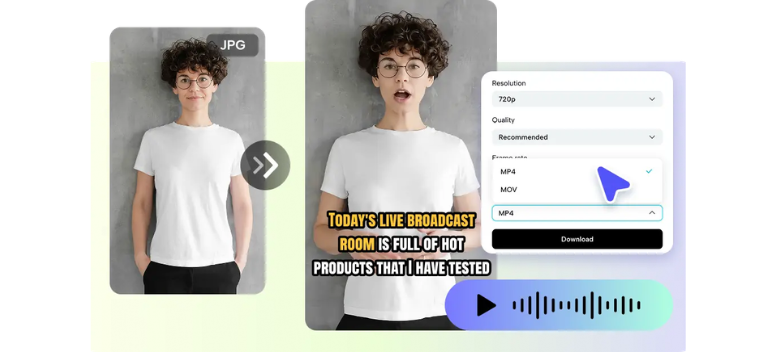
A single portrait can do more than sit quietly on the screen. Pippit’s AI Talking Photo tool animates facial details and synchronizes mouth movements with a script or recorded voice, turning a still image into a speaking character for greetings, tutorials, social posts, and short promotional clips.
-
Type or record the message: Enter a script for an AI voice to read, or upload existing audio in formats such as MP3, MP4, MKV, FLAC, and AVI.
-
Select a suitable voice: Choose from supported languages, accents, tones, and gender options to match the audience and content style.
-
Prepare the final clip: Add synchronized captions, select a template, and export in MP4 or MOV. Resolution, quality, frame rate, filename, and watermark settings can be adjusted before download.
Use images you have permission to animate, and check the lip-sync, pronunciation, and facial motion before publishing. Let Pippit turn a strong portrait into a talking message ready for your next campaign.
From one product link, Pippit AI can create video drafts, avatar explainers, campaign images, and talking photos. Its connected tools keep more of the creative process in one workspace, which suits busy ecommerce teams and content creators. Review each result for accuracy and brand consistency, then refine it for publishing. Upload a real product to Pippit AI and discover a faster route from basic details to campaign content.